Reflecting how experienced lawyers actually negotiate - with the flexibility that real negotiations demand.
Limitation of Liability
Category: Liability & Risk Allocation
In no event shall Vendor's aggregate liability under this Agreement exceed two (2) times the total fees paid or payable by Client in the twelve (12) months preceding the claim. Notwithstanding the foregoing, this limitation shall not apply to (a) Vendor's indemnification obligations under Section 8, (b) breaches of confidentiality under Section 5, (c) Vendor's willful misconduct, or (d) Vendor's infringement of Client's intellectual property rights.
When to use: First-party paper, or when you have strong leverage. This gives you an uncapped carve-out for IP, confidentiality, and indemnification - the areas where unlimited liability matters most.
⬇ Insert into Document
In no event shall Vendor's aggregate liability under this Agreement exceed one and one-half (1.5) times the total fees paid or payable by Client in the twelve (12) months preceding the claim. This limitation shall not apply to (a) Vendor's indemnification obligations under Section 8, or (b) Vendor's willful misconduct or gross negligence.
When to use: Counterparty pushes back on 2x cap or full carve-out list. This preserves the core protections (indemnity + misconduct carve-outs) while conceding on cap multiplier and narrowing carve-outs.
⬇ Insert into Document
In no event shall either party's aggregate liability under this Agreement exceed the total fees paid or payable in the twelve (12) months preceding the claim. This limitation shall not apply to either party's willful misconduct.
When to use: Your absolute minimum. If counterparty won't accept even this, escalate to the partner. A mutual 1x cap with only a willful misconduct carve-out is the floor for acceptable risk.
⬇ Insert into Document
This framework codifies the negotiation judgment that typically lives only in senior lawyers' heads - making it available to every team member, in every review, inside Word.
The Problem It Solves
Your Best Clause Language Is Trapped
Every legal team has preferred clause language. The question is where it lives - and who has access.
📄
Scattered Across Old Contracts
Your best indemnification clause is in the 2019 Acme deal. Your IP language is in the GlobalTech MSA. Good luck finding them at 10pm before a deadline.
Clause Library: search by type, insert in one click
👤
Lives in Senior Lawyers' Heads
Only the partner knows the firm's preferred position on data protection. When they're on vacation - or leave the firm - that knowledge walks out the door.
700+ clauses total - each in 3 negotiation positions
Connected to Everything
The Clause Library Powers Your Entire Workflow
The library sits at the center of your workflow. It feeds into Review, Draft, and Playbook enforcement.
📚
Clause Library
700+ clauses in 3 positions
→
🔍
Review & Redline
Redline suggestions use your clause language
→
✍
Draft
Generated drafts populated with approved clauses
During Review
When ContractKen flags a clause that deviates from your standards, it suggests replacement language directly from your clause library - in the appropriate negotiation position. One click to apply as a tracked change.
During Drafting
When generating a first draft from a precedent or term sheet, ContractKen pulls clause language from your library to fill gaps, update stale language, and ensure every section meets your current standards.
How It Compares
Clause Library vs. the Alternatives
Most teams already have clause language scattered somewhere. The question is how accessible and useful it is.
Searching Old Contracts
Shared Drive Folders
Generic Template Libraries
ContractKen
Organized by type
×
Somewhat
✓
✓ 10 categories
Negotiation positions
×
×
×
✓ 3 per clause
Searchable in Word
×
×
×
✓
Custom clauses
N/A
Unstructured
×
✓ Alongside pre-built
Team-wide access
×
Varies
✓
✓
Connected to review
×
×
×
✓ Feeds redlines
Always current
×
Hard to maintain
Publisher-dependent
✓ Regularly updated
Frequently Asked Questions
ContractKen includes 700+ professionally drafted clauses across 10 categories. Each clause comes in three negotiation positions (preferred, fallback, walkaway). The library is regularly updated with new clauses and refinements.
Yes. You can add your organization's proprietary clause language to the library alongside the pre-built clauses. Custom clauses are available to your entire team and can be organized by category and negotiation position.
When ContractKen reviews a contract and identifies a clause that deviates from your standards, it suggests replacement language directly from your clause library - in the appropriate negotiation position. This creates a seamless review-to-redline workflow.
The pre-built library includes clauses drafted for common law jurisdictions (US, UK, Australia) with jurisdiction-specific notes where applicable. Custom clauses can be tagged by jurisdiction for your team.
Pre-built clauses are drafted by legal professionals and reviewed for accuracy and market alignment. The library is updated regularly to reflect evolving market standards and legal developments.
Yes. Clause analytics show usage patterns across your team - which clauses are inserted most often, which positions are selected, and where gaps exist in your library. This data helps you improve your standards over time.
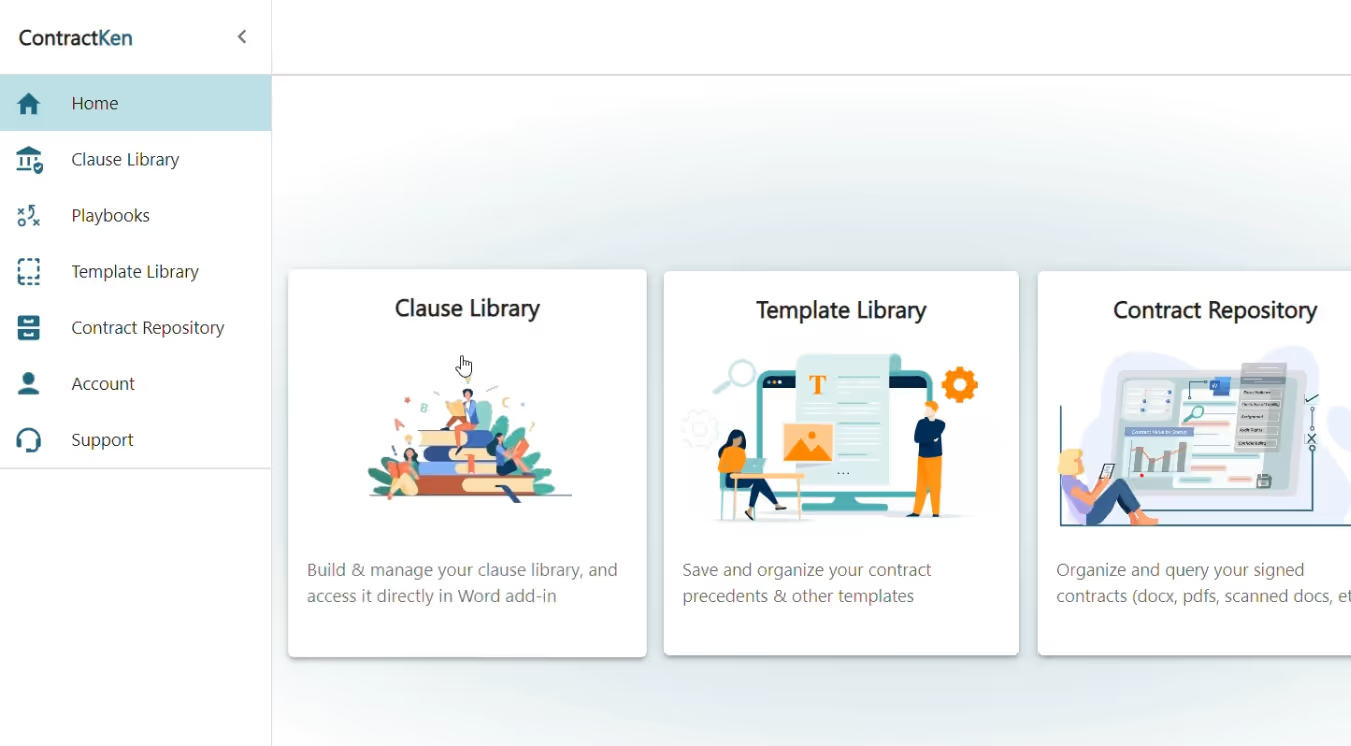
ContractKen's Clause Library is a centralized repository of 700+ pre-drafted contract clauses, each available in three negotiation positions: preferred, fallback, and walkaway. Accessible directly inside Microsoft Word through ContractKen's add-in, the library enables legal teams to search, browse, and insert approved clause language into contracts without leaving their drafting environment. Teams can also add their own proprietary clauses alongside the pre-built library, ensuring consistency across the organization.


.avif)